

Shopify has evolved far beyond its roots as a simple eCommerce platform. As brands push for deeper personalization, one feature has grown in popularity, interactive quizzes. These tools help businesses gather insights, guide product selection, and improve conversion rates. For developers, building a custom Shopify quiz app offers both creative freedom and technical challenges.
With rising demand for bespoke quizzes, templated solutions no longer cut it. Merchants want branded, responsive, logic-driven experiences. In this guide, you’ll explore what goes into crafting a powerful, scalable Shopify quiz, from choosing the right stack to implementing Shopify’s APIs and managing app deployment.
Know What the Quiz Needs to Do

Before touching any code, clarity on the quiz’s purpose is essential. Some merchants want to guide shoppers toward a product match. Others want to collect emails, segment users, or recommend bundles. These goals shape everything, data models, logic flow, and UI design.
Start with three core questions:
What decisions will the quiz guide the user through?
What type of outputs are expected at the end (e.g., product recommendations, discount codes)?
Where and how will this data be stored and used?
If the merchant wants to integrate responses into email flows or retargeting ads, plan for structured data capture. Also consider how much flexibility the merchant needs. Will they want to add new questions later? Adjust product logic? Build with that level of customization in mind.
Choosing a Tech Stack That Works With Shopify
Since Shopify apps run externally, you’re not bound to Liquid or Shopify’s templating logic. Most quiz apps are built as embedded apps using Shopify’s App Bridge and Polaris component library for styling. This keeps the interface consistent with Shopify’s admin.
A typical stack includes:
Frontend: React (using Polaris or Tailwind for styling)
Backend: Node.js with Express or Koa
Database: MongoDB or PostgreSQL, depending on how dynamic your quiz data is
Authentication: OAuth with Shopify’s API
You’ll also likely use Shopify’s Storefront API for dynamic product fetching and Admin API for customer tagging or metafield writing. Choosing the right stack helps streamline app performance and improves your chances of app approval if you plan to submit it to the Shopify App Store.
Structuring the Quiz Logic and Flow
Quiz logic can start simple, one question per step, but most real-world use cases involve conditional logic. That means mapping user input to dynamic next steps and ultimately to product suggestions or messaging.
Start with a flowchart. Map the decision tree and identify question types:
Single-select
Multi-select
Rating scales
Open text (rare but useful in certain industries)
Store the structure in JSON. This gives the merchant flexibility to change questions without editing code. Your backend should parse quiz responses and map them to product tags, SKUs, or Shopify collections.
If the quiz needs branching logic, avoid hardcoding. Instead, use rules-based engines or configurable logic stored in the database. This makes your app scalable across multiple merchants or verticals.
Working With Shopify APIs to Display and Recommend Products
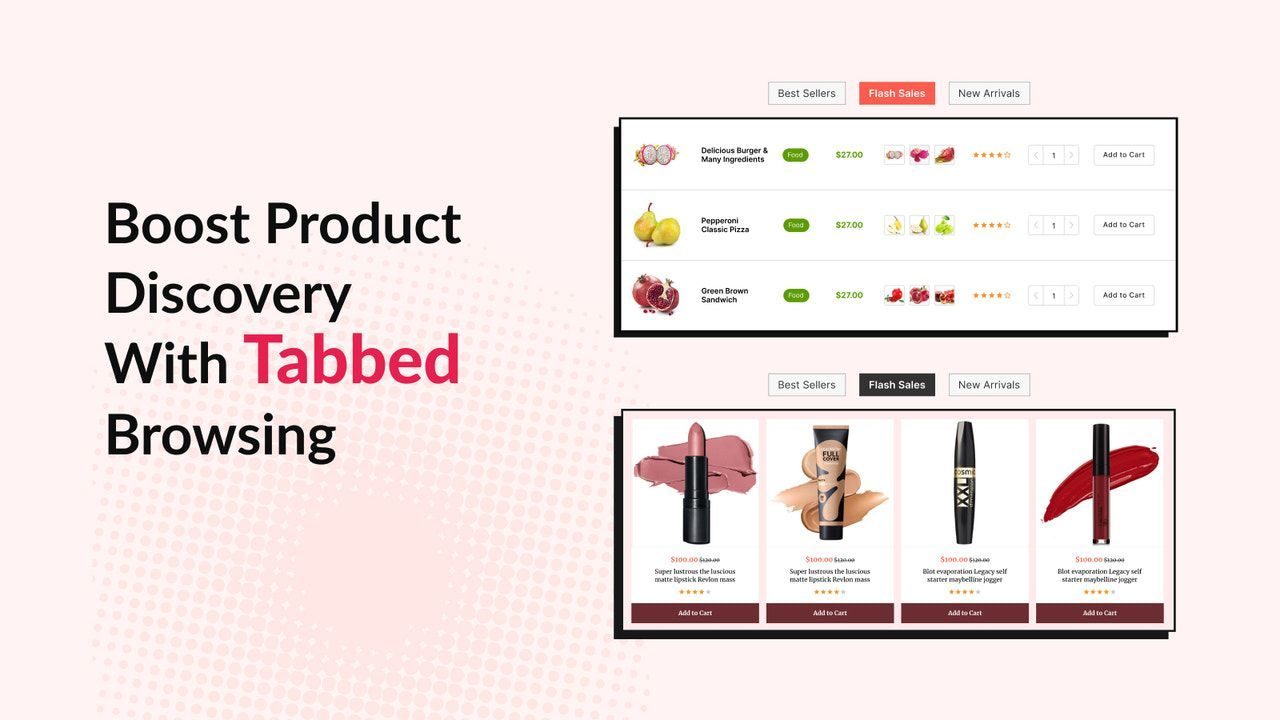
At the core of most Shopify quizzes is product recommendation. Once you’ve collected user data, you’ll need to return relevant products in a branded layout. Use the Storefront API for this.
Make a GraphQL query to fetch product titles, images, prices, and availability. Cache the data when possible to reduce load times. If the quiz needs to create draft orders or cart redirects, you’ll also work with the Cart API.
Some apps go further and use the Admin API to:
Tag users with quiz results
Save responses as metafields on customer profiles
Trigger discounts based on answers
These functions require elevated app permissions, so build in permission request flows and communicate clearly what data will be accessed or written.
Making It Merchant-Friendly in the Admin
The biggest mistake developers make is designing quizzes that only they can edit. Merchants need flexibility. Your admin UI should allow them to:
Add or reorder questions
Modify answer options
Change logic rules
View or export quiz results
Use Shopify Polaris components to keep the UI intuitive. Build a robust preview mode so merchants can see changes before publishing. For advanced cases, let them A/B test different versions or track conversion metrics by quiz version.
If your app is intended for public use, multilingual support and theme styling options are critical. Provide options to match fonts and colors to storefront branding.
Hosting, Deployment, and Ongoing Maintenance
Shopify apps run externally, so you’re responsible for uptime and performance. Host the app on scalable infrastructure. Most developers use:
Frontend hosting: Vercel or Netlify
Backend/API: Heroku, Fly.io, or a VPS (for more control)
Database: Cloud-managed options like Atlas for MongoDB or Supabase for Postgres
Set up webhook listeners for events like uninstalls or billing changes. Use Shopify’s mandatory app billing API to manage subscriptions. Also, build alerts for performance issues or downtime. If quiz response speed drops, conversion rates can suffer.
Finally, log everything, from quiz submissions to API errors. This helps you troubleshoot issues faster and improves your update cycles as Shopify’s platform evolves.
Developing a Shopify quiz app isn’t just a technical project. It’s a blend of UX design, smart API usage, and deep merchant empathy. By planning carefully and keeping scalability in mind, you can build an app that does more than ask questions, it helps merchants convert visitors, gather valuable insights, and improve their online experience.